
Blog

What Is an Approval System?
An approval system is software that helps businesses manage requests that require review or approval.
Instead of sending a request through WhatsApp or email, employees submit it through an online form. The system then automatically sends the request to the appropriate approver based on predefined rules.
For example:
Employee submits purchase request → Manager approves → Finance reviews → Director approves → Request completed
The workflow can be customized according to your company’s requirements.
An approval system can be used for many business processes, including:
- Purchase requests
- Purchase orders
- Expense claims
- Invoice approvals
- Leave applications
- Payment requests
- Sales discounts
- HR requests
- Document approvals
Why Are Manual Approval Processes a Problem?

Manual approval may seem simple, but it becomes increasingly difficult to manage as the number of employees and requests increases.
1. Requests Get Lost
A request sent through WhatsApp or email can easily get buried under hundreds of other messages.
The requester may think the request has been submitted, while the approver may not even have seen it.
2. Employees Spend Time Chasing Approvals
How many times has someone sent:
“Hi boss, can approve this?”
And then followed up again the next day?
These small tasks may only take a few minutes each time, but the total administrative time can become significant when multiplied across the company.
3. There Is No Clear Approval Status
With a digital approval system, employees can check whether a request is:
Pending → Under Review → Approved → Rejected → Completed
With manual processes, finding the latest status may require asking several people.
4. Approval Records Are Difficult to Track
When approvals happen through WhatsApp, verbal conversations or scattered emails, it can be difficult to maintain a clear record of what happened.
A digital approval workflow can keep the request, approver, decision, comments and approval date together.
That makes the process much easier to track and review.
Manual Approval vs Digital Approval
The difference becomes clearer when you compare the two approaches.
| Manual Approval | Digital Approval |
|---|---|
| Paper forms | Online forms |
| WhatsApp and email | Automated workflow |
| Manual follow-ups | Automatic notifications |
| Difficult to check status | Real-time approval status |
| Scattered records | Centralized approval history |
| Manual data entry | Structured information |
| Difficult to track | Clear audit trail |
The goal isn’t simply to replace paper with a computer.
A good digital approval system should reduce unnecessary work and make the entire approval process easier to manage.
What Can You Automate With an Approval System?

Approval workflows aren’t limited to one department.
A business can automate different processes depending on how work is currently handled.
Purchase Approval
Employees submit a purchase request online, and the system automatically sends it to the appropriate manager or Finance team.
Different approval levels can also be created based on the purchase amount.
For example:
Below RM500 → Manager
RM500–RM5,000 → Manager + Finance
Above RM5,000 → Management Approval
Expense Claims
Employees submit expense claims with the required information and supporting documents.
The request can then be routed to the relevant manager and Finance team.
Invoice Approval
Instead of forwarding invoices between departments through email, businesses can create a structured invoice approval workflow.
Leave Applications
Employees submit leave requests through an online form, and the request is automatically sent to the relevant manager for approval.
HR and Internal Requests
The same concept can be applied to many other internal processes, such as:
- Overtime requests
- Employee onboarding
- Travel requests
- Discount approvals
- Payment requests
- Asset requests
- Document approvals
Once you start looking around the business, you may be surprised by how many processes involve “waiting for someone to approve something.”
What Is Cflow?

Cflow is a no-code workflow automation platform that helps businesses digitize and automate their business processes.
Rather than relying on paper forms, emails, WhatsApp messages or spreadsheets, businesses can create structured digital workflows where requests are submitted, reviewed, approved and tracked.
The platform can be used to build different types of workflows, including:
- Purchase approval
- Expense approval
- Invoice approval
- Leave approval
- HR workflows
- Payment approval
- Document approval
- Other internal business processes
The key advantage is that Cflow uses a no-code approach, so businesses can create and customize workflows without developing a software application from scratch.
For example, a company could create:
Purchase Request → Department Manager → Finance → Management → Completed
Each step can have its own rules, approvers, notifications and required information.
This allows businesses to digitize their existing processes instead of forcing the company to completely change how it works.
Why Use Cflow Instead of WhatsApp, Email or Excel?
WhatsApp, email and Excel are useful business tools, but they aren’t designed to manage structured approval workflows.
Cflow provides a dedicated environment for managing business processes.
With Cflow, businesses can have:
Online Forms
Employees submit requests using structured forms instead of sending incomplete information through messages.
Automated Workflows
Requests automatically move to the next person based on the workflow rules.
Approval Notifications
Approvers can be notified when an action is required.
Approval Tracking
Users can check the current status of their requests.
Approval History
The system keeps records of submissions, decisions and approval activities.
Custom Workflows
Different departments and processes can have different workflows.
This means your business can move from:
“I sent it to you on WhatsApp.”
to:
“You can check the request in the system.”
That small change can make a surprisingly big difference.
How to Digitize Your Business Approval Process
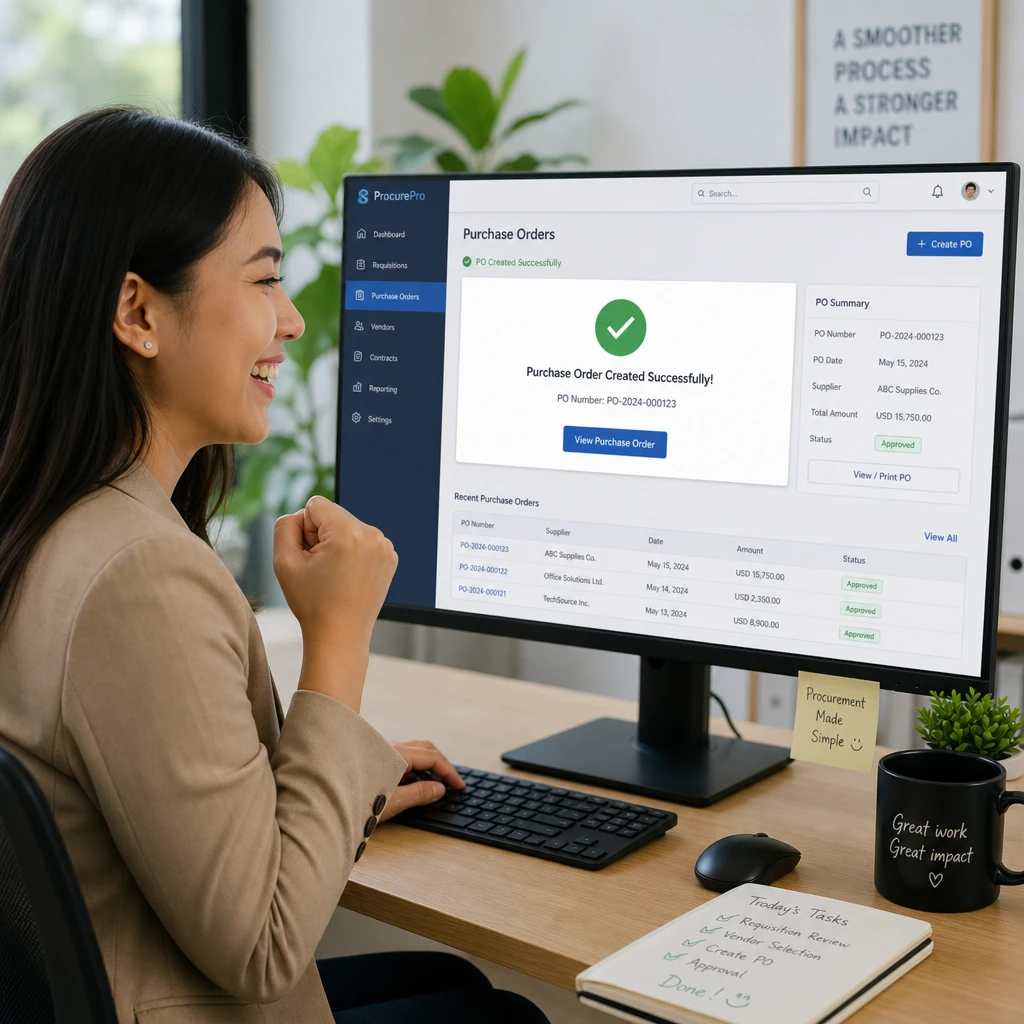
You don’t need to automate every process in the company at once.
Start with one process that is repetitive and time-consuming.
Step 1: Identify Your Most Problematic Process
Look for processes that involve a lot of:
- Manual forms
- Data entry
- Follow-ups
- Spreadsheet updates
Purchase requests and expense claims are often good places to start.
Step 2: Map Your Current Process
Write down what actually happens today.
For example:
Employee → WhatsApp Manager → Email Finance → Excel Update → Purchase
Then ask:
- Who needs to approve it?
- How many approval levels are required?
- Where do delays happen?
- What information is often missing?
- How is the approval recorded?
Step 3: Remove Unnecessary Steps
Don’t simply take a complicated manual process and put it online.
If your current process has eight steps but only three are necessary, automate the three.
Digital transformation should make a process simpler, not give your employees a shiny new way to do unnecessary work.
Step 4: Build the Digital Workflow
Once the process is clear, create the online form, approval rules, notifications and tracking process.
With a no-code platform such as Cflow, businesses can build workflows without developing a custom application from scratch.
Step 5: Test With One Department
Start small.
For example, automate your Purchase Request Approval process first.
Once the team is comfortable with it, you can gradually automate other workflows.
How Much Can Workflow Automation Save Your Business?
Workflow automation isn’t only about making approvals faster.
It can also reduce the amount of time employees spend on repetitive administrative work.
Think about how much time your team spends every month:
- Filling in forms
- Sending emails
- Forwarding WhatsApp messages
- Following up with approvers
- Checking approval status
- Updating Excel spreadsheets
- Searching for old approval records
- Re-entering information
Now multiply those hours by the number of employees involved.
The result can be surprisingly significant.
Calculate Your Potential Savings
We’ve created a Workflow Automation Savings Calculator to help businesses estimate how much time and money they could potentially save by automating repetitive processes.
Calculate Your Workflow Automation Savings →
It only takes a few minutes to get an estimate.
Why Choose ORIGIN ALPHA SOLUTIONS for Cflow?

ORIGIN ALPHA SOLUTIONS is a Value-Added Reseller (VAR) of Cflow.
That means you don’t have to figure everything out on your own after signing up.
You can register for Cflow and start exploring the platform yourself. If you need help deciding how to structure your workflow, digitize an existing business process or configure Cflow for your requirements, our team can provide consultation and implementation support.
For example, we can help you think through questions such as:
- Which business process should you automate first?
- How should your approval workflow be structured?
- Who should approve each stage?
- What information should the form collect?
- How can you reduce unnecessary approval steps?
- How can Cflow fit into your existing business process?
The software is important, but designing the right workflow is just as important.
A poorly designed process will still be a poorly designed process after you put it into software.
Start With One Workflow
Digital transformation doesn’t always mean buying a huge ERP system or spending months developing custom software.
Sometimes, the best place to start is with one process that everyone already understands.
Approval is a good example.
Almost every business has approvals. The question is whether those approvals are being managed through a structured system — or through a mixture of paper, Excel, email and WhatsApp.
A practical approach is to start with one workflow, test it with your team and improve it from there.
Frequently Asked Questions

What is an approval system?
An approval system is software that helps businesses manage requests that require review or approval. It can automate the routing, notification, approval and tracking of requests.
What is the difference between an approval system and workflow automation?
An approval system focuses specifically on managing approval processes, while workflow automation is a broader concept that can automate many types of business processes.
Approval workflows are therefore one common use case of workflow automation.
Can SMEs use an online approval system?
Yes. SMEs can use online approval software to digitize processes such as purchase requests, expense claims, leave applications and invoice approvals without building a custom system.
Can Cflow replace WhatsApp and email approvals?
Cflow can move the actual approval process from WhatsApp and email into a structured digital workflow.
Your team can still use WhatsApp and email for communication, but the request, approval and tracking can be managed within Cflow.
Can I customize my Cflow approval workflow?
Yes. Cflow is designed to allow businesses to create workflows based on their own processes, approval levels, departments and requirements.
Do I need technical knowledge to use Cflow?
Cflow uses a no-code approach, so businesses can create workflows without traditional software development.
If you’re unsure how to design or implement your workflow, you can also contact ORIGIN ALPHA SOLUTIONS for consultation.
How much does an approval system cost in Malaysia?
The cost depends on factors such as the software, number of users, workflows and features required.
Before choosing a solution, it’s worth calculating how much time your current manual process is costing the business.
Ready to Digitize Your Approval Process?

You don’t have to change your entire business overnight.
Start with one approval process. Build the workflow, let your team use it and see how much easier it is to manage.
Try Cflow for free and explore how digital approval workflows can work for your business.
Start Your Free Cflow Trial
Register for Free and Try Cflow →
Already registered and need help?
Contact ORIGIN ALPHA SOLUTIONS for Cflow Consultation →
We’ll help you look at your existing process and explore how it can be digitized with Cflow.
From:
“Did you approve this?”
to:
“It’s already in the workflow.”
That’s a much nicer conversation to have.